
EN 16931
XRechnung and ZUGFeRD, built in
DATEV
The package your accountant imports
§ 14 UStG
Required details are checked before an invoice is issued
3 dil
German, Turkish and English
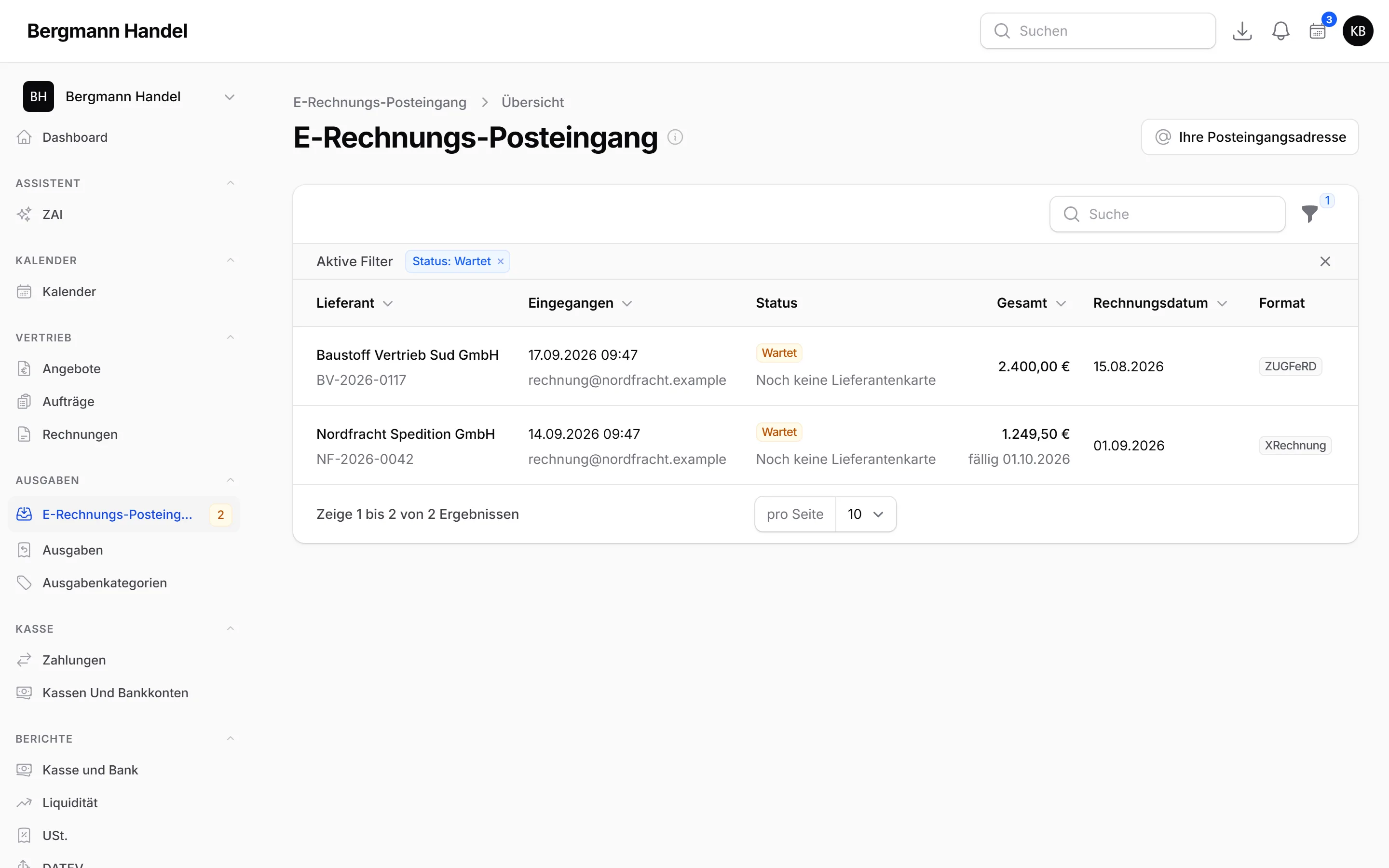
01 E-invoice inbox
An address of your own that books itself
Your workspace gets its own inbox address. Give it to your suppliers and their e-invoices arrive here already read: supplier, number, dates, lines and tax, checked and waiting for one press of a button to become an expense. Nothing is booked behind your back.
- ZUGFeRD and XRechnung read into expenses, lines and all
- A photograph of a paper receipt read the same way
- Duplicates caught before they are booked twice
- A reply to the sender when you accept or reject one
02 ZAI, your assistant
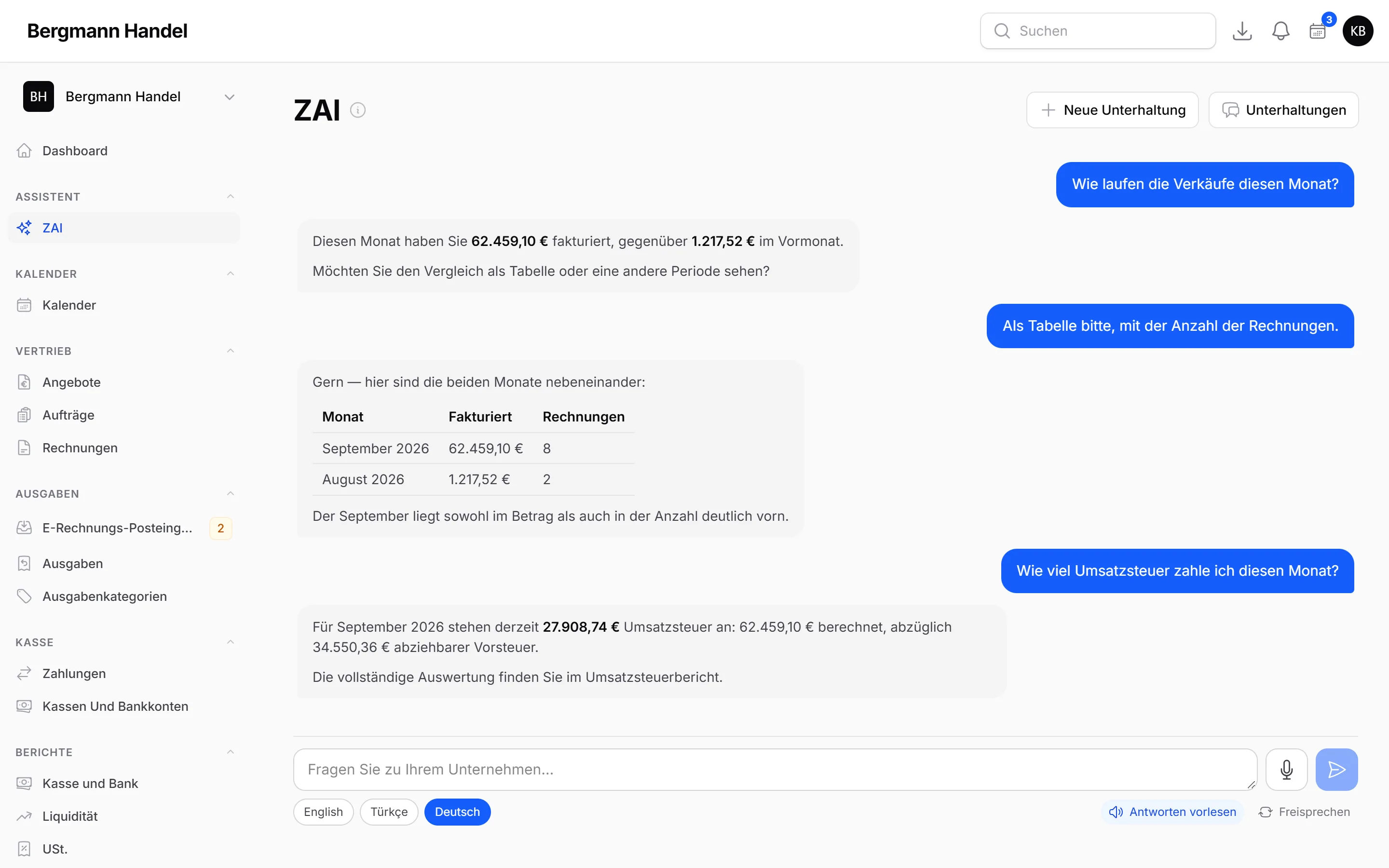
Ask your company a question
ZAI answers from your own figures — what you invoiced, who owes you, how much VAT is due — and links to the screen the answer came from. It reads the same services the reports do, so it cannot disagree with them.
- Answers in German, Turkish or English, by voice if you like
- Every answer links to the screen it came from
- It only ever reads your workspace, never another
03 Sales
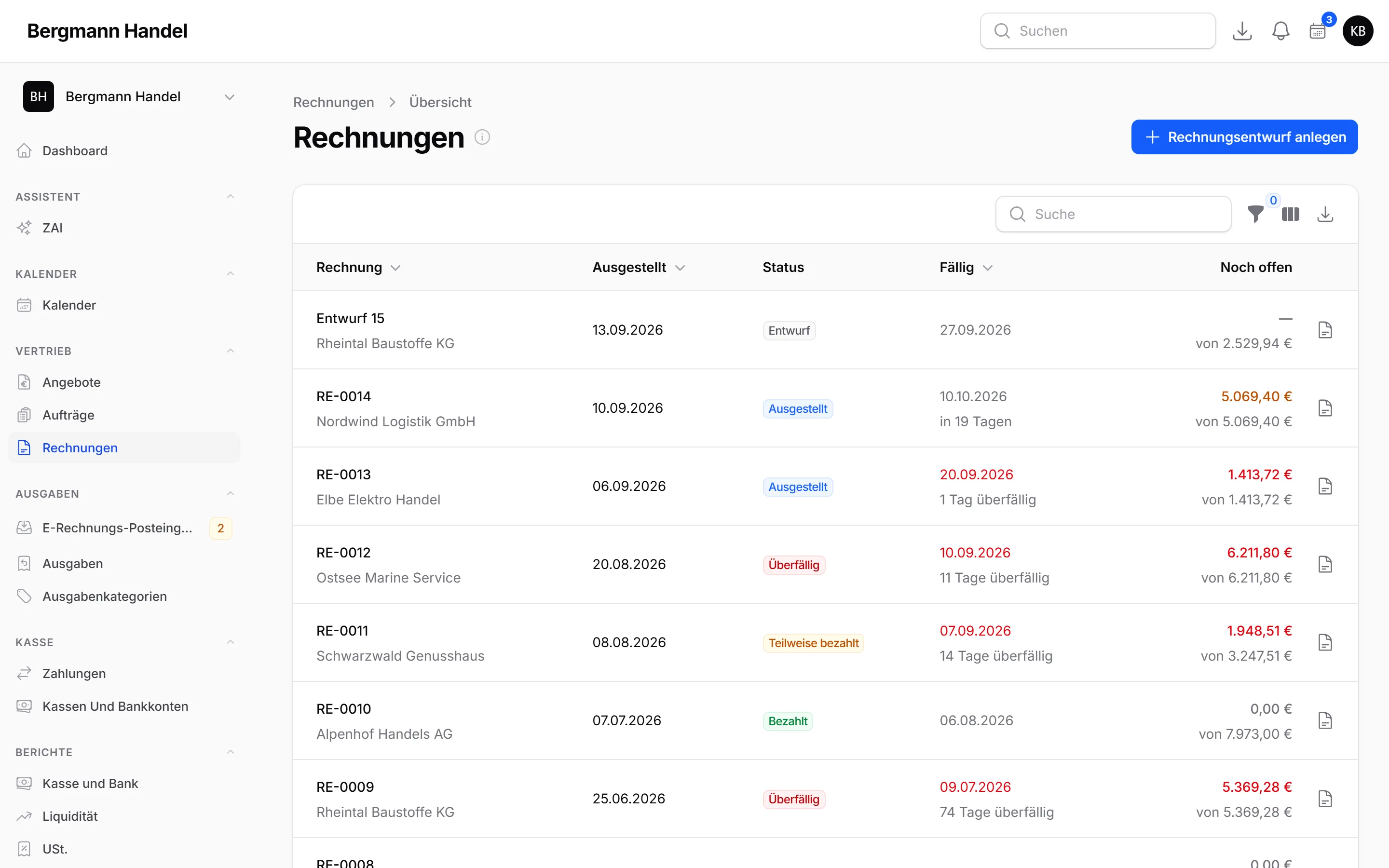
The whole chain, and what it became
A quote becomes an order, the order becomes a delivery note, the delivery note becomes an invoice. Every line keeps its link, so a month of deliveries from two orders bills correctly on one invoice — and each document can say what it turned into.
- Quotes, orders, delivery notes, invoices and credit notes
- Partial deliveries and partial payments
- Payment reminders sent for you, in your customer’s language
04 Stock
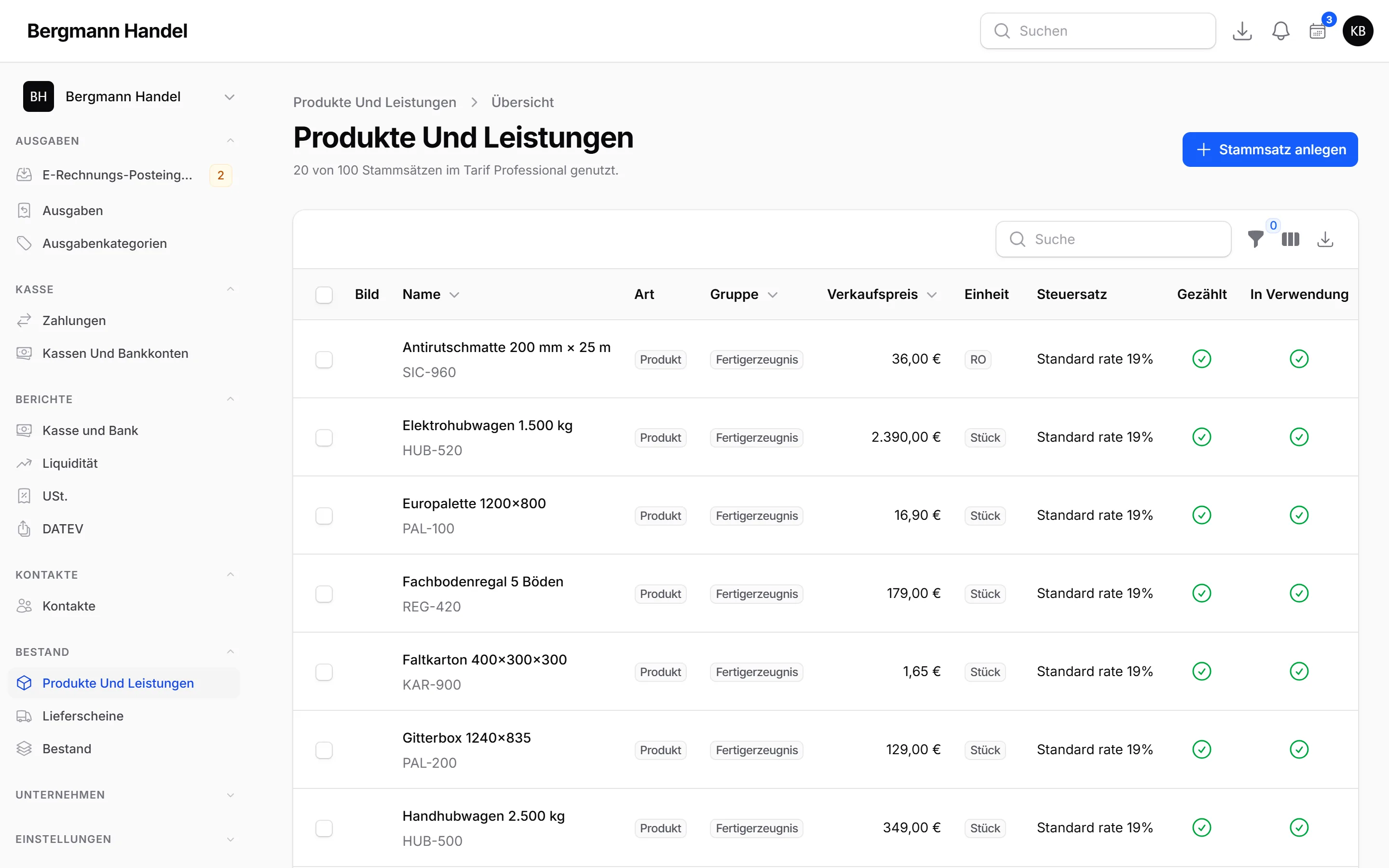
What you hold, where you hold it
Products live in warehouses that belong to branches that belong to companies. Stock moves when documents move, counts can be filled from a phone’s camera, and the ledger says when each movement happened.
- Several companies, branches and warehouses in one workspace
- Stock counts with a barcode, from a phone or a handheld scanner
- Low-stock alerts and a movement history that is never rewritten
05 Reports
See the tax and the cash before they arrive
What is owed to the tax office this month and every month before it, what is coming in and going out over the next twelve weeks, and every euro that moved through the tills and bank accounts. Read off the books, never estimated.
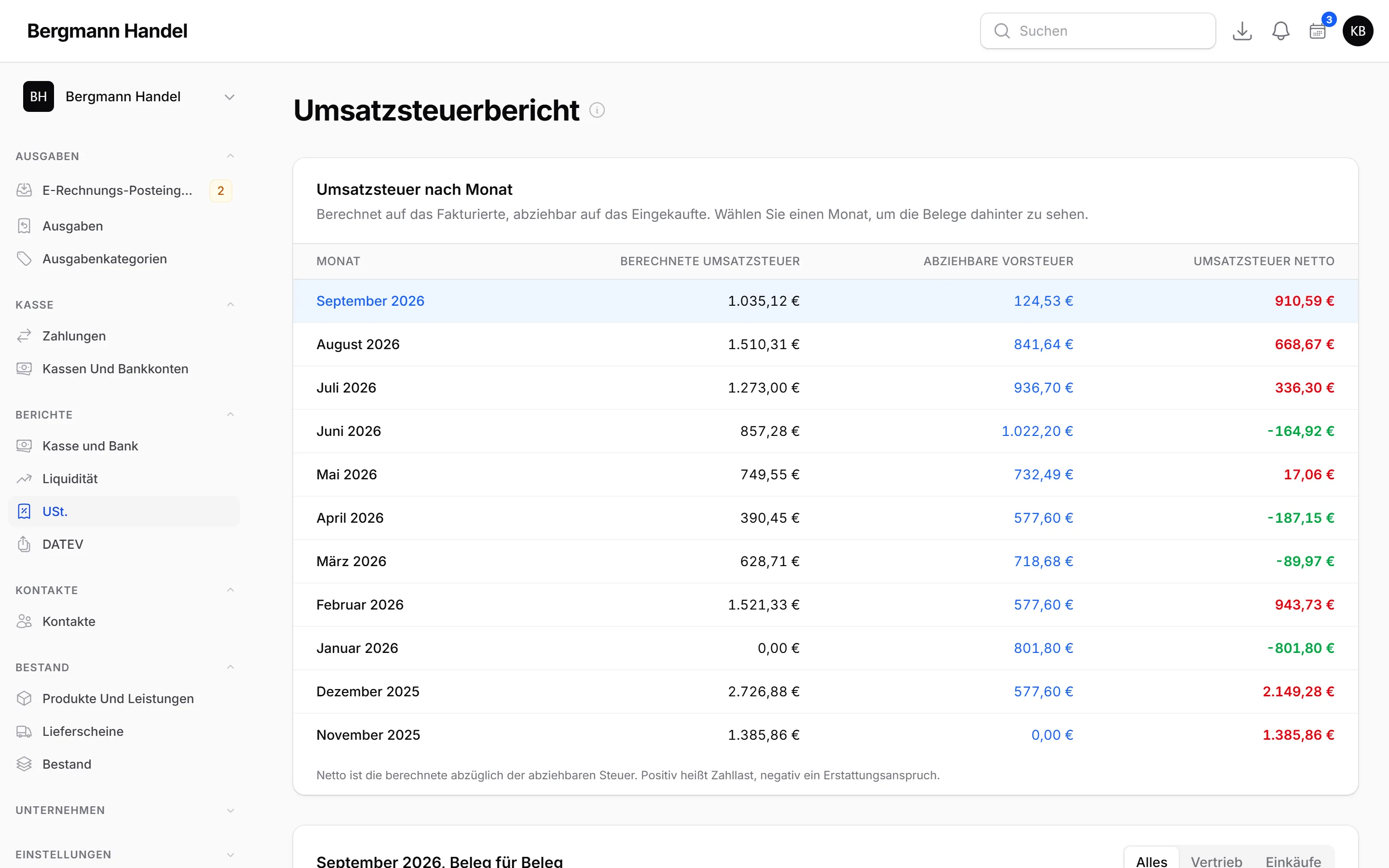
VAT, month by month
Charged less deductible, with the documents behind each figure.
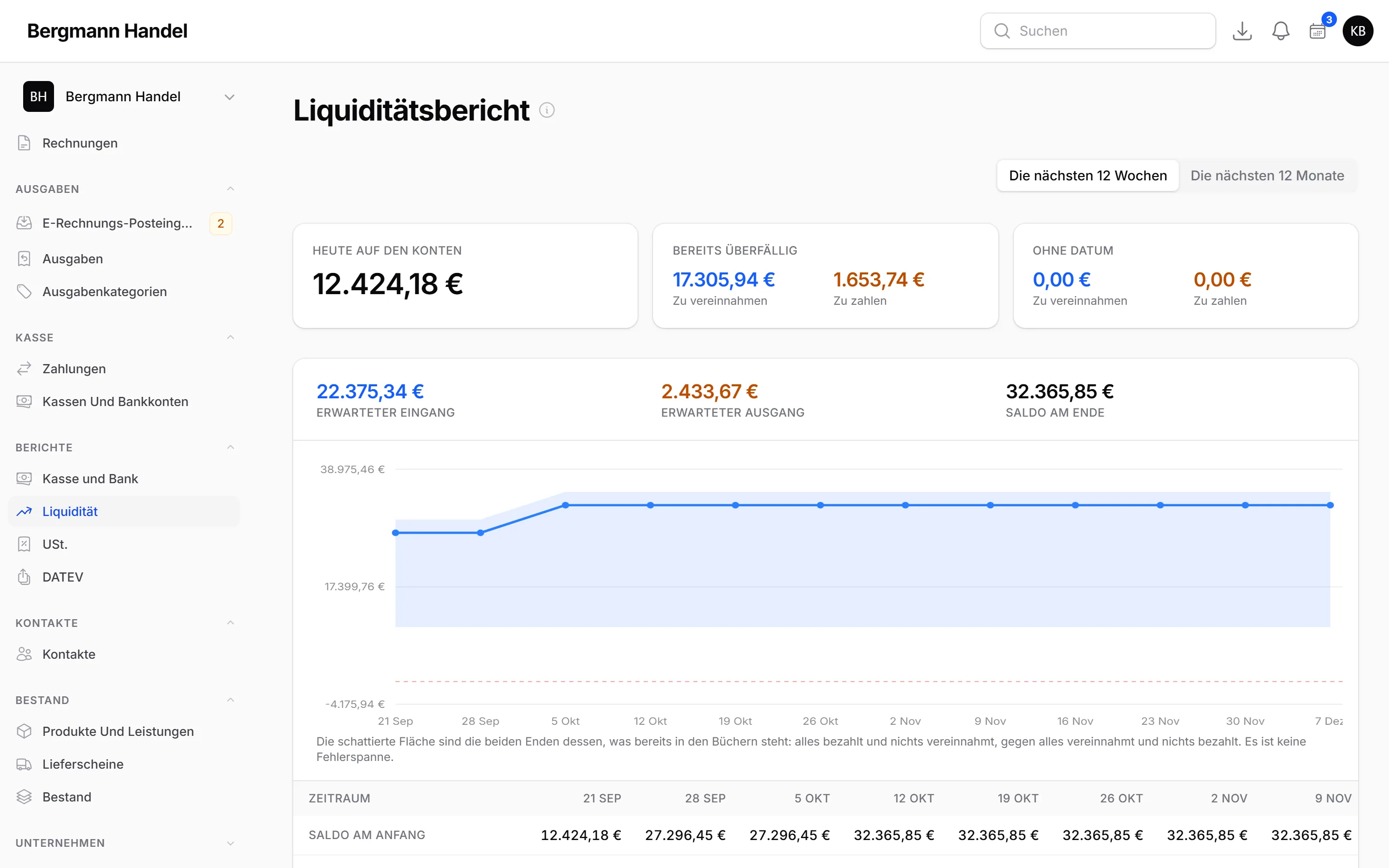
Cash flow ahead
The next twelve weeks or twelve months, from what is already on the books.
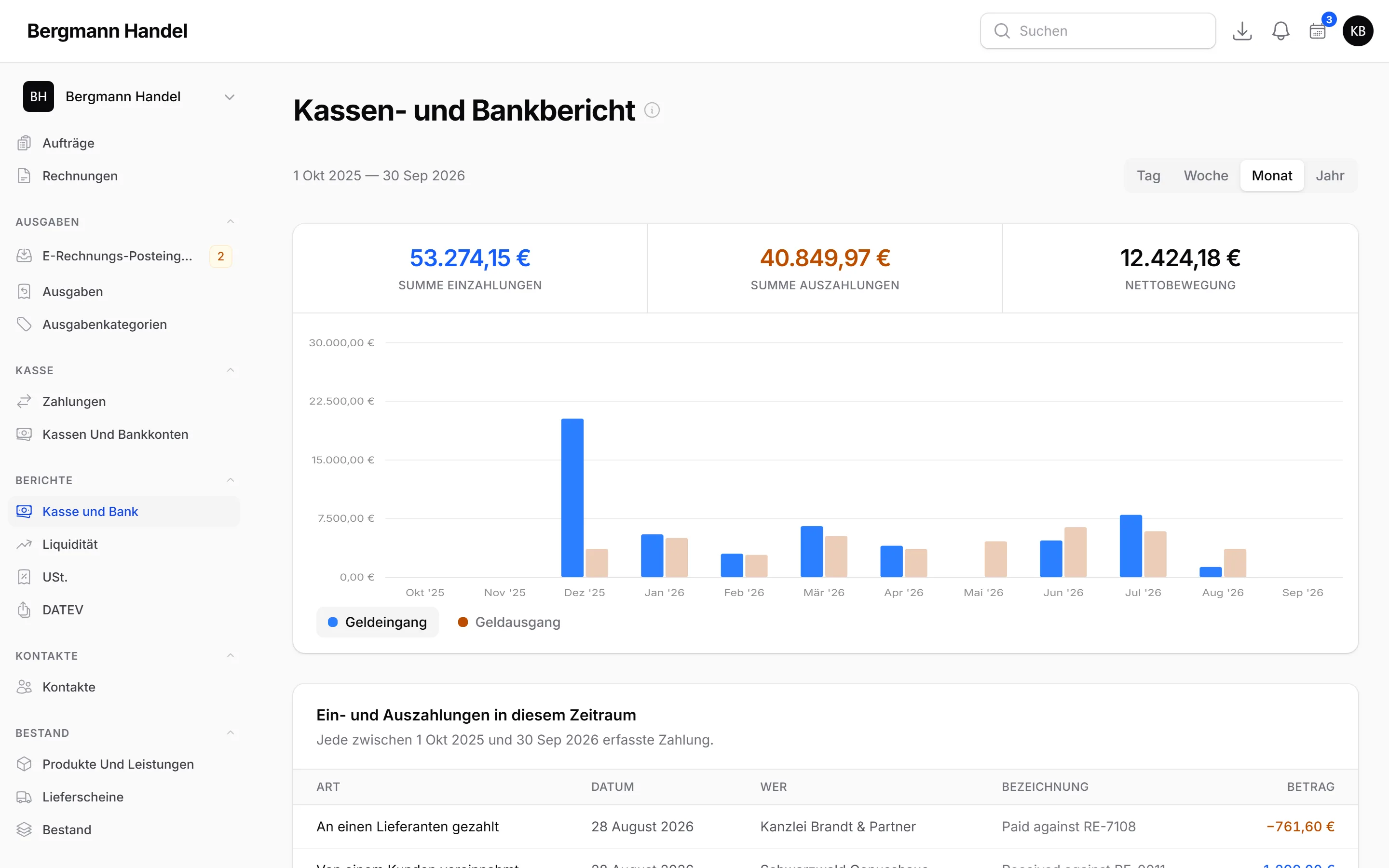
Tills and bank
Every payment in and out, over any period you choose.
06 Calendar
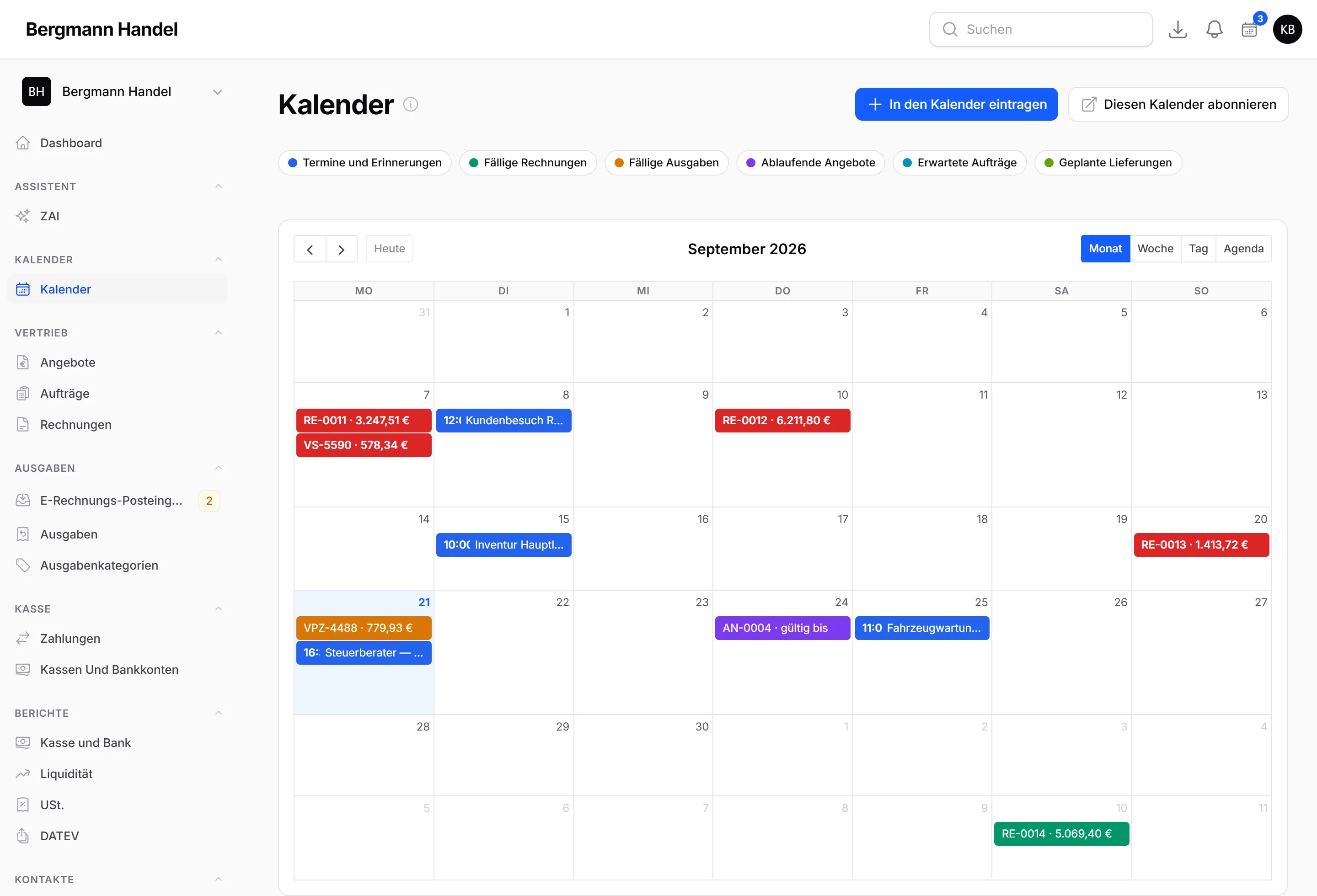
The whole month at a glance
Invoices falling due, quotes about to expire, orders expected and deliveries planned — beside the meetings and reminders you put there yourself. Subscribe to it from Outlook or Google and it follows you.
Specification
What is included
Every module the product has. What each plan allows of them is on the pricing page.
- 01 Workspace
- The workspace itself: its settings, members and branding.
- 02 Company
- The companies this workspace runs, their branches and warehouses.
- 03 Files
- Files uploaded to the workspace: receipts, product pictures, artwork.
- 04 File manager
- The workspace’s own archive: folders, categories and the records a paper is about.
- 05 AI
- What a workspace may ask a model to do, and how much of it.
- 06 Contacts
- The customers and suppliers a company trades with.
- 07 Inventory
- The products and services a company sells, and what it holds of them.
- 08 Invoicing
- Quotes, invoices, expenses and the money that settles them.
- 09 Calendar
- The workspace diary, and the dates the other modules already carry.
- 10 DATEV
- A company’s bookings for a period, as a file its Steuerberater imports into DATEV.
Your next step
Less admin. More room for your business.
Explore the plans and choose the workspace that fits your team.